
Hidden Team
  • Trang Chủ
  • DMCA & Copyright Policy
Bạn đang xem chủ đề: Kích Hoạt win chỉ bằng duy nhất một lệnh
Chia sẻ
Nhóm DZT
Hidden TeamHidden Team
Font ResizerAa
Search
Follow US
Copyright © 2020-2026 DZT.vn All Rights Reserved.
Hidden Team > Blog > Kiến Thức Qua Mạng > Kích Hoạt win chỉ bằng duy nhất một lệnh
Kiến Thức Qua Mạng

Kích Hoạt win chỉ bằng duy nhất một lệnh

Bởi
Binzz
Cập nhật cuối 02/05/2026
đọc hết mất 2 phút xem
Chia sẻ
MAS Logo

Microsoft Activation Scripts (MAS)

Open-source Windows and Office activator featuring HWID, Ohook, TSforge, and Online KMS activation methods, along with advanced troubleshooting.

Tóm tắt nội dung
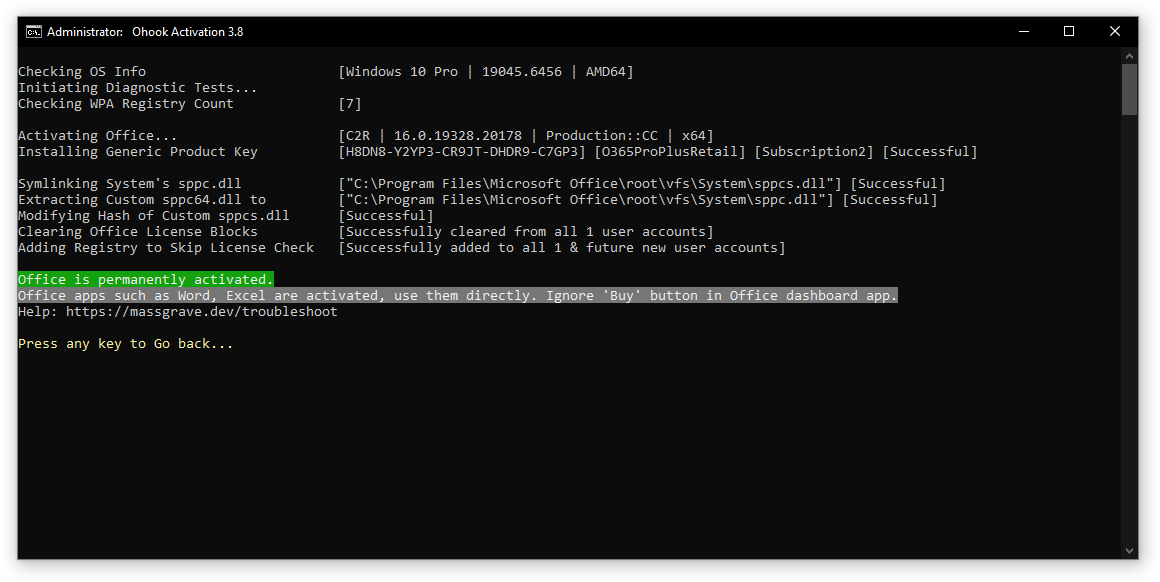
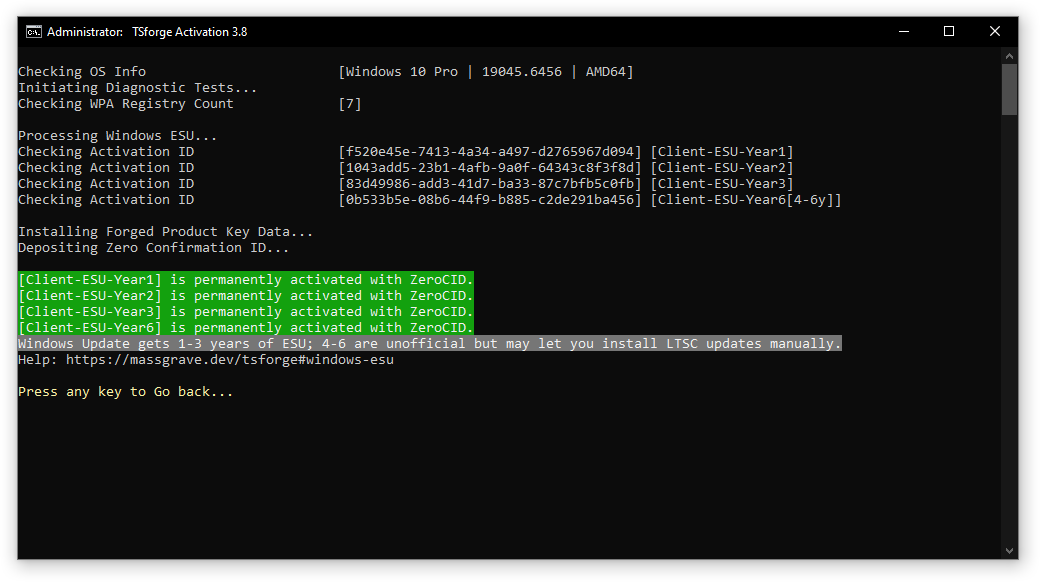
How to Activate Windows / Office / Extended Security Updates (ESU)?Method 1 – PowerShell ❤️Method 2 – Traditional (Windows Vista and later)Homepage – https://massgrave.dev/

How to Activate Windows / Office / Extended Security Updates (ESU)?

Method 1 – PowerShell ❤️

  1. Click the Start Menu, type PowerShell, and open it.
  2. Copy and paste the code below and press Enter.
  • For Windows 8.1, 10 and 11: irm https://get.activated.win | iex If the above is blocked (by ISP/DNS), try this (needs updated Windows 10 or 11): iex (curl.exe -s --doh-url https://1.1.1.1/dns-query https://get.activated.win | Out-String)
    • Script not launching? Use the below-listed Method 2.
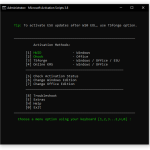
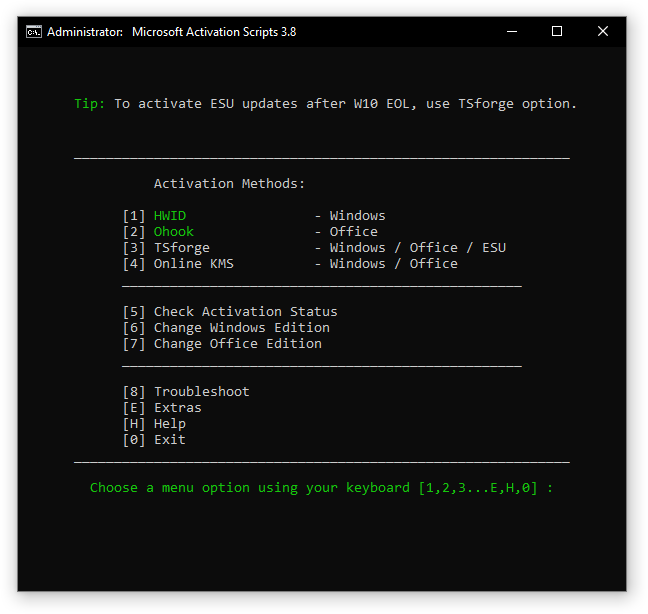
  1. In the menu that appears, type the number corresponding to one of the Green options.

Method 2 – Traditional (Windows Vista and later)

  1. Download the script:
    • MAS_AIO.cmd (Direct script)
    • MAS_AIO.zip (If the direct script is blocked by your browser)
  2. Run the MAS_AIO.cmd file.
  3. In the menu that appears, type the number corresponding to one of the Green options.
[!TIP]

  • Some ISPs/DNS providers block access to our domains. You can bypass this by enabling DNS-over-HTTPS (DoH) in your browser.
  • Having trouble? Visit our troubleshooting page or raise an issue on GitHub.

[!NOTE]

  • The irm command in PowerShell downloads a script from a specified URL, and the iex command executes it.
  • Always double-check the URL before executing the command and verify the source is trustworthy when manually downloading files.
  • Be cautious of third parties spreading malware disguised as MAS by altering the URL in the PowerShell command.

Homepage – https://massgrave.dev/


Latest Version: 3.10
Release date: 28-Jan-2026

Sign Up For Daily Newsletter

Be keep up! Get the latest breaking news delivered straight to your inbox.
Hi
By signing up, you agree to our Terms of Use and acknowledge the data practices in our Privacy Policy. You may unsubscribe at any time.
Chia sẻ trên nền tảng.
Facebook Copy Link Print
Xem bài trước Tại sao không nên cập nhật Google Maps sau sắp xếp tỉnh/thành
Bài kế tiếp Hướng dẫn gỡ bỏ giới hạn chuyển đổi khi tham gia Google Family 12
Bài viết mới
Chặn người khác cài mọi phần mềm vào máy tính của bạn
03/05/2026
Underave OS – Hệ Điều Hành Rút Gọn từ Win 10/11 Underave OS là gì? Hệ điều hành Windows siêu nhẹ dành cho dân kỹ thuậtUnderave OS – Hệ Điều Hành Rút Gọn từ Win 10/11
03/05/2026
Hướng dẫn gỡ bỏ giới hạn chuyển đổi khi tham gia Google Family 12
03/05/2026
Kích Hoạt win chỉ bằng duy nhất một lệnh
02/05/2026
Tại sao không nên cập nhật Google Maps sau sắp xếp tỉnh/thành
06/04/2026

Có thể bạn sẽ thích

Kiến Thức Qua Mạng

Quyền lợi sinh viên VN được hưởng từ các công ty phần mềm

đọc hết mất 3 phút xem
Kiến Thức Qua Mạng

Sự kiện WWDC2023

đọc hết mất 4 phút xem
Kiến Thức Qua Mạng

Tạo Liên Kết cuộc họp cố định trong Google Meet

đọc hết mất 1 phút xem
Kiến Thức Qua Mạng

Sức chịu tải nền đất Terzaghi – Lý thuyết tính toán

đọc hết mất 11 phút xem
Hidden Team

Một blog chia sẽ mọi thứ về IT/Tech hoàn toàn miễn phí cho mọi người 

Chúng tôi đến từ DZT

chúng tôi được tạo ra chủ yếu chia sẻ và cùng nhau phát triển nhóm
Tham Gia DZT
Welcome Back!

Sign in to your account

Username or Email Address
Password

Lost your password?